eNDo — ReSkate
Equip
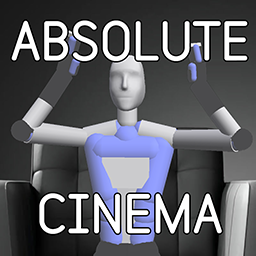
Enable eNDo in the ReSkate launcher, launch the game, and select the blocky character thumbnail in the full-body costumes category.
Install or update
Install this ZIP through the ReSkate launcher's local mod installation workflow. For a manual installation, extract its contents into <Skate>\Mods\eNDo.
The manifest, README, icon, layout.toc and Win32 folder must sit directly inside that mod folder. Restart ReSkate after installation. If you installed an earlier version of this character under another package name, remove or disable that version first; keep only one copy enabled.
This is a complete native mod package. Blender and ReSkate Studio are not required to play. The character has been confirmed working in-game.
join this discord for enorphin streams ever fortnight https://discord.gg/bXP7AmY5K
Install eNDo
You need ReSkate and your own copy of skate. on Steam.
- Open
ReSkateLauncher.exeand go to MODS. - Search for eNDo and click install. The launcher also installs anything it depends on.
- Press PLAY. In game, the MODS tab of the ReSkate menu (Insert) turns it on and off.
Or install it by hand: download the .zip and drop it on the launcher window, or unzip it into its own folder in Mods\ beside Skate.exe.
Maps show up in the ReSkate menu's level list. To join a server running a custom map, you need the same map installed. If the game won't load after installing, see known issues.
skatemods doesn't host or review this mod. The download comes straight from Thunderstore. Only install mods you trust, because scripts can run code.